Layout Composer
Cartographic print layout designer: map frames with locked scale, custom shapes and per-frame layers, DMS/DD/UTM grids, legends for vector, raster and tile layers, attribute tables and charts, matplotlib-style color bars, LaTeX, Google Fonts and Material Symbols, QGIS .qpt import/export, and PNG/PDF/vector PDF/GeoPDF/SVG export.
- Plugin id:
layout-composer - Version: 1.8.2
- Author: Defani Arman Alfitriansyah
- License: MIT
- Requires: GeoLibre 0.9.0+
- Categories:
Cartography - Source code: https://github.com/Defani/Layout-Composer
- Report an issue: https://github.com/Defani/Layout-Composer/issues
- Manifest: https://plugins.geolibre.app/plugins/layout-composer/plugin.json
- Release zip: https://github.com/Defani/Layout-Composer/releases/download/v1.8.2/layout-composer-1.8.2.zip
- Bundle SHA-256:
0bc42e863f0b14470e37b55403282f4b6d6cb56c07bcd006a578f890548c0922
Screenshots
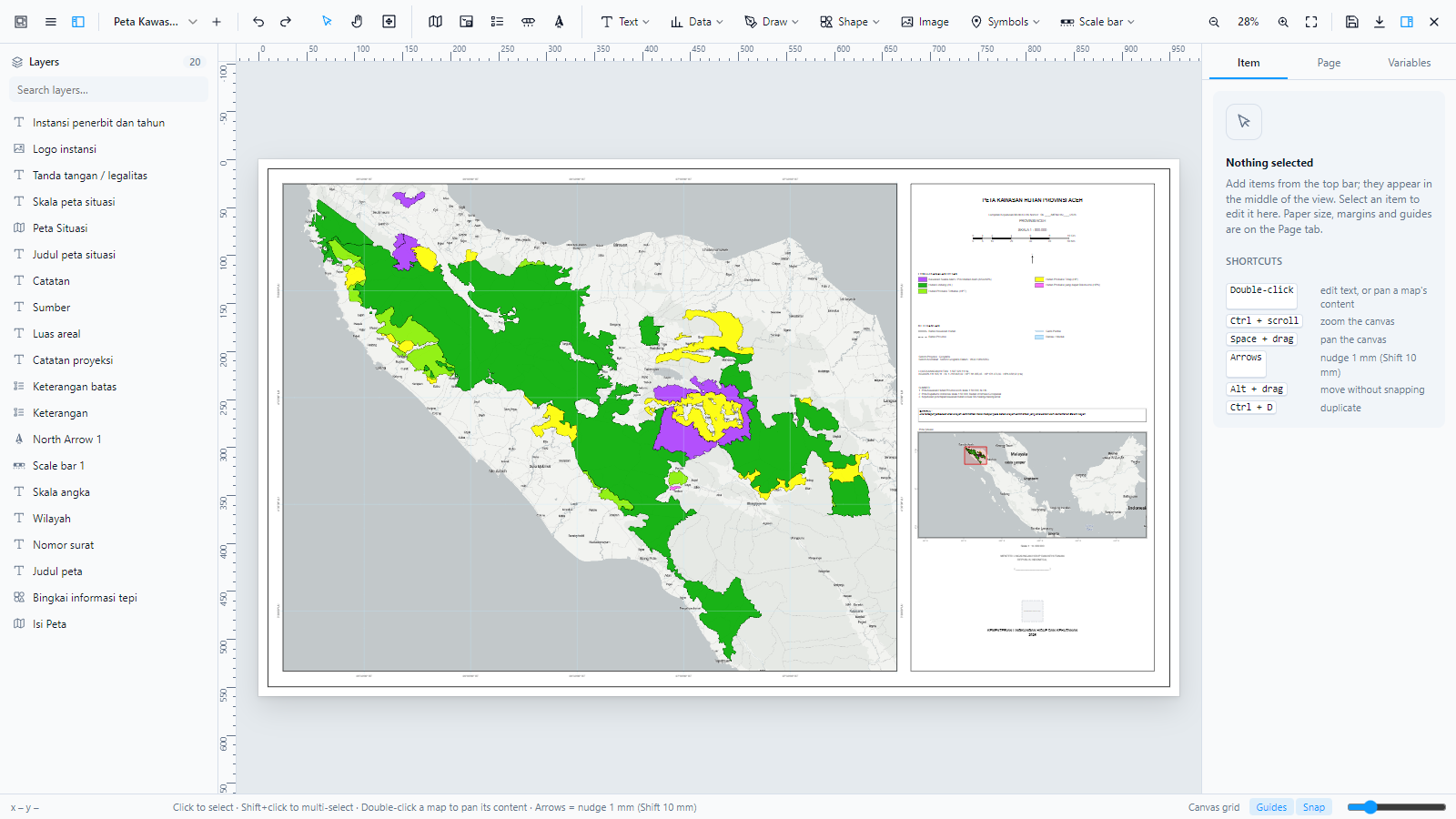
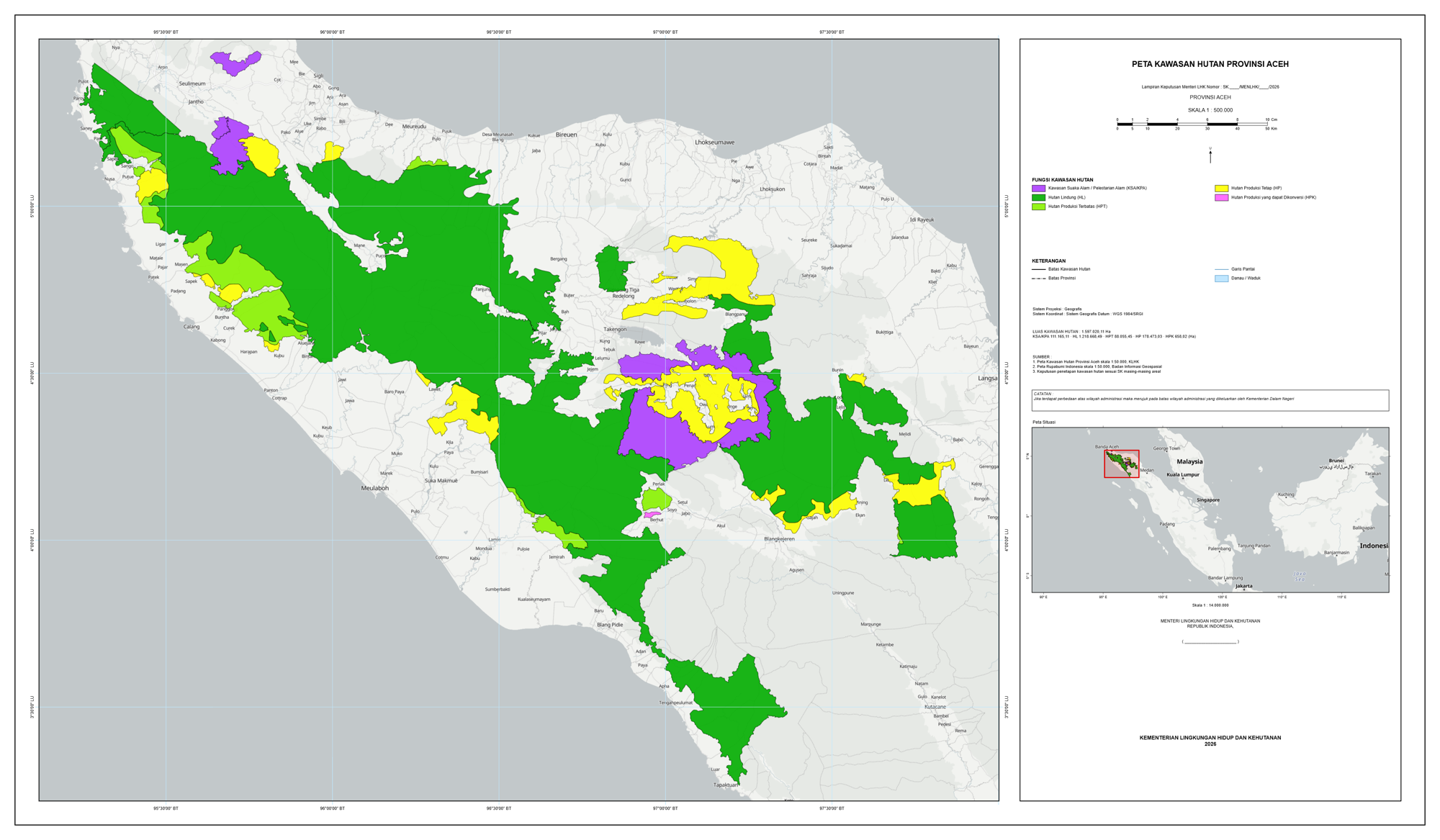
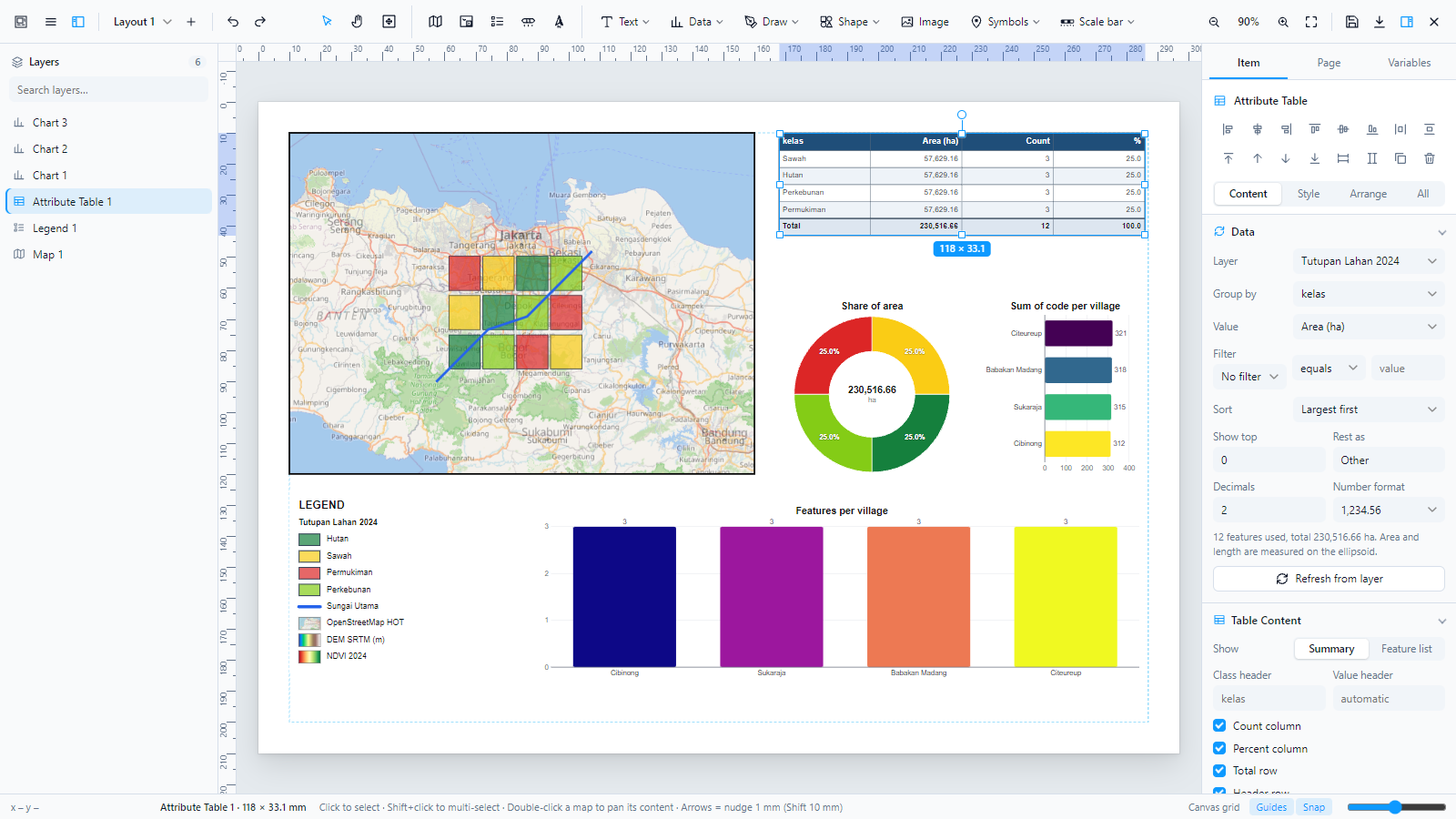
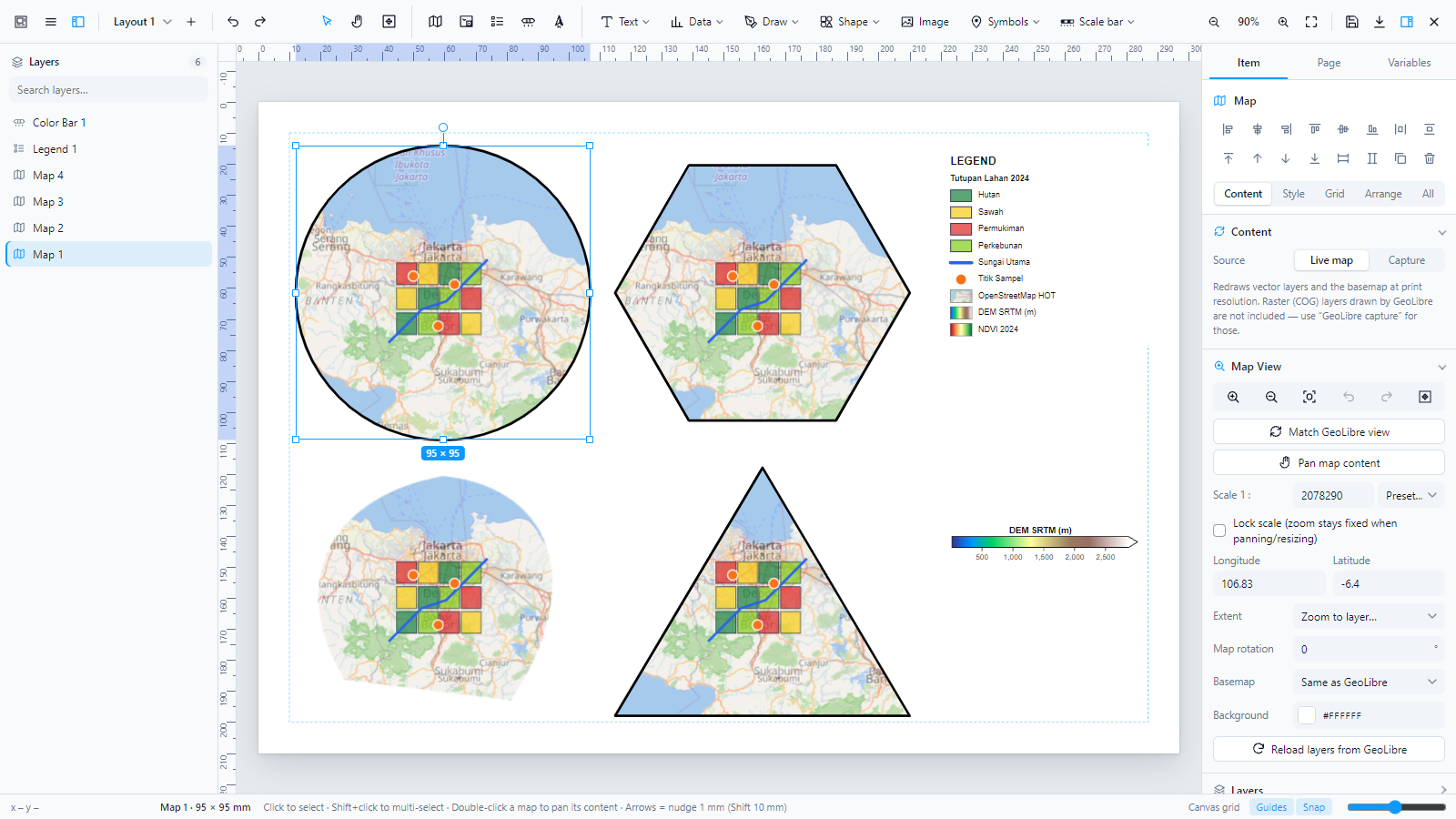
Install
- GeoLibre on the web: use Open in GeoLibre above. GeoLibre shows the plugin's details and asks you to confirm before installing it.
- Any GeoLibre, including the desktop app: open Settings → Manage Plugins, find Layout Composer and click Install.
GeoLibre releases after 3.2.0 check the downloaded code against the bundle SHA-256 above before running it.